AI has clearly changed how we interact with computers.
For the first time, we have computers that “understand” what we mean.
Something we have dreamed of for ages is now possible.
For much of computing’s history, we had to translate what we wanted into precise instructions. Commands, buttons, and clicks.
And now, “Mmm, sure” is a valid way of interacting with machines. A leap from syntax to semantics.
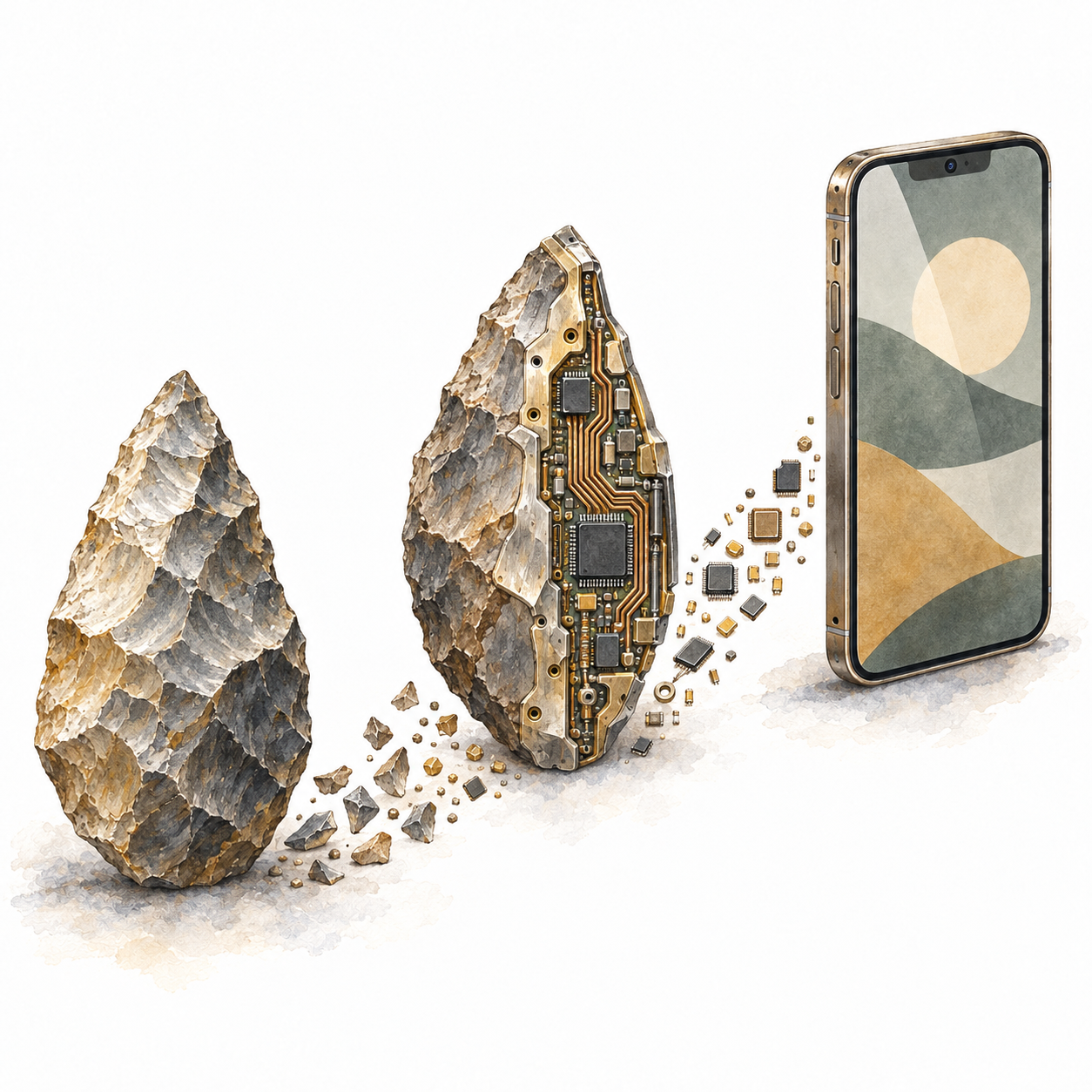
It all started with building tools. Tools are special things.
They are not naturally occurring things. They are things that people physically transform for their own use.
Computers are the most general tool we have ever built.
In fact, in theory, they are as general in their capabilities as any computing machine can be. A universal capability.
We use this universality to get our day to day things done and aspire to more. We do that by interacting with them physically, through touch, sight, and sound. (Not yet through smell and taste.)
While the theoretical capabilities remain the same, from the Analytical Engine of the 1830s to today’s most advanced Apple MacBook, there is a world of difference in how we interact with these tools.
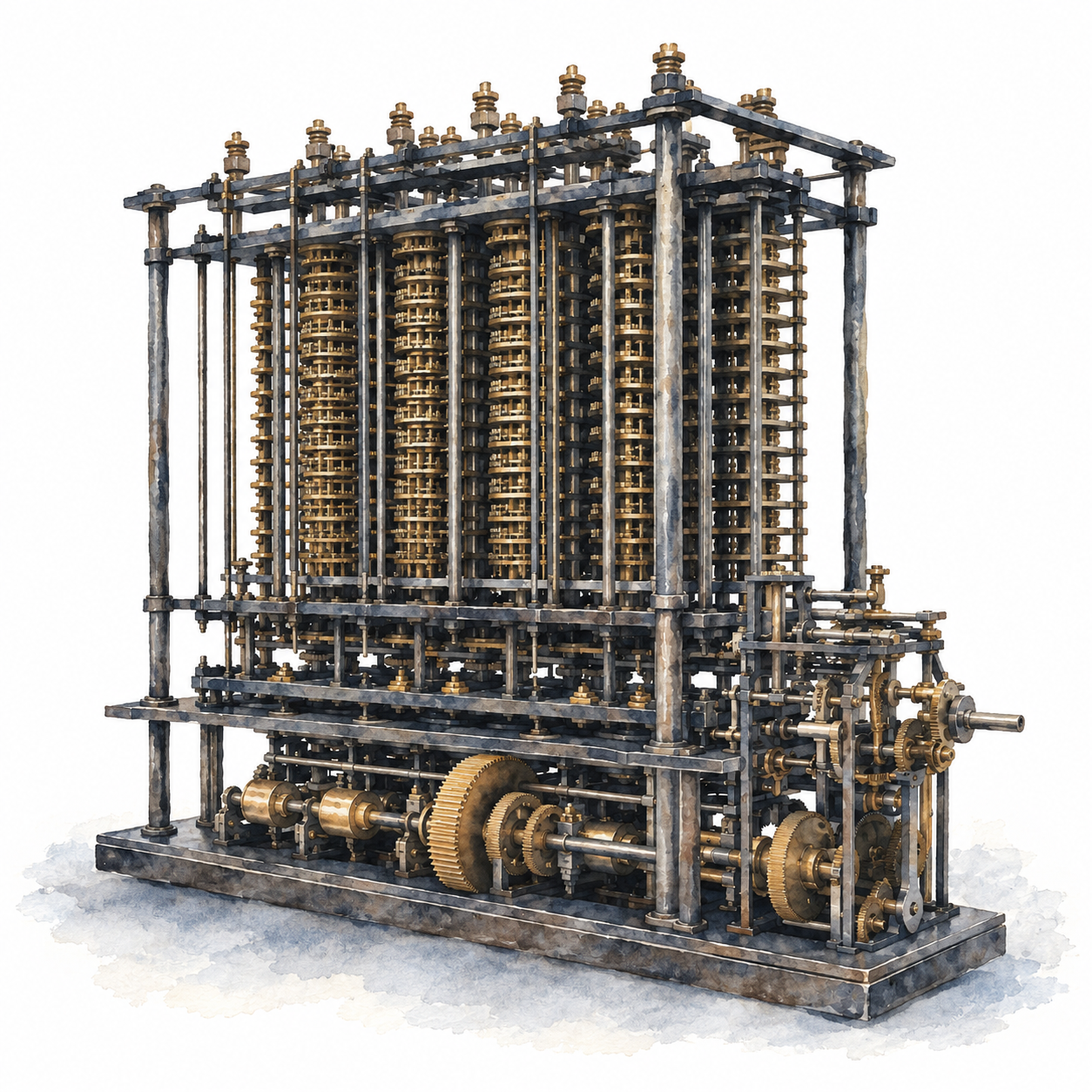
Our first interaction with computers looked similar to operating any heavy machinery.
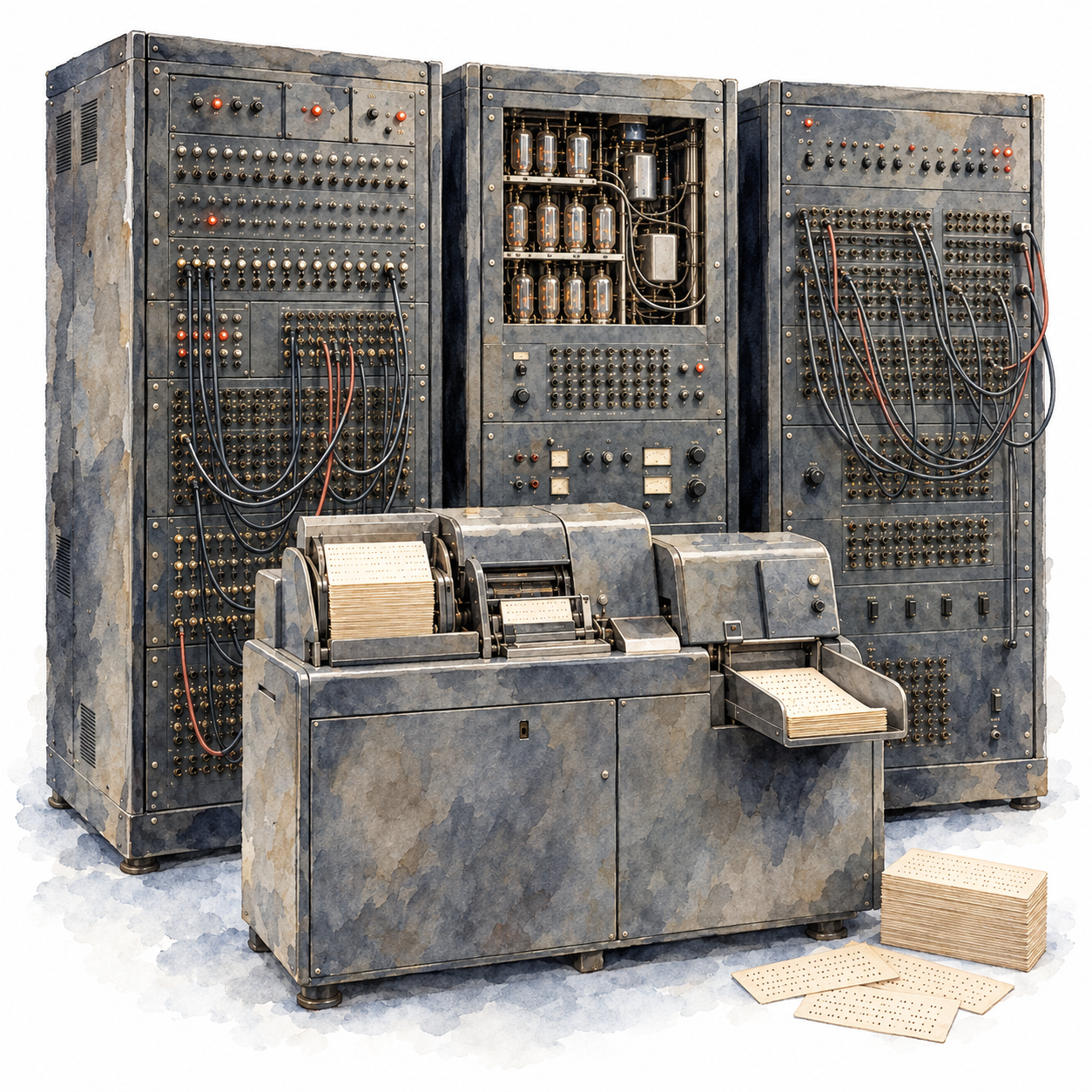
We changed thousands of cables and rotors manually whenever we wanted these machines to do a different task.
These changes in wiring and rotors were nothing but instructions: sets of physical transformations encoded as abstract rules.
Soon we started storing programs. Instead of changing the settings for every program, we only had to tell the machine which program to run, and the machine would set up its own settings.
Memory.
This still required writing programs offline on paper or punch cards, then loading them into the computer as a batch.
With time sharing, several people could use the same computer through their own terminals. The machine shared its processing time between them, responding to each person in turn.
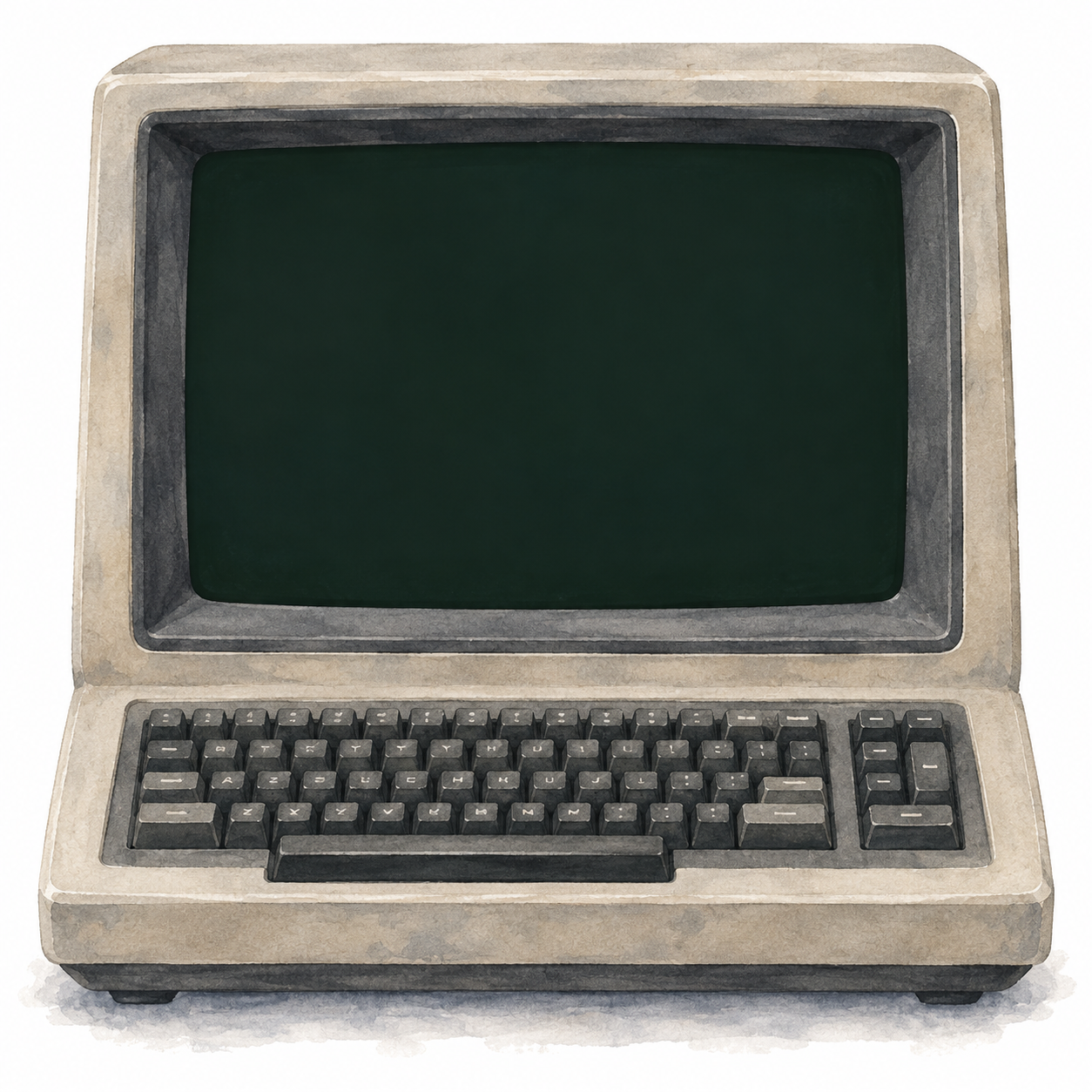
Early terminals printed the computer’s responses on paper. As CRT screens took their place, the keyboard and screen became a familiar way to use a computer.
We were still pressing physical buttons, but now those buttons entered letters, numbers, and symbols. Software interpreted what we typed as instructions for the machine.
We could write a program, run it, see the output, and edit it at the same terminal. Preparing the instructions and using the computer became part of the same activity.
One of my fondest memories is writing Logo programs when I was eight years old.
Forward 100. Right 90. Words I typed became lines on the screen.
I was over the moon when I discovered that my version of Logo could also play music, with different letters producing different tones. Magical!
But why type an instruction to move something when we could point to it and move it ourselves?
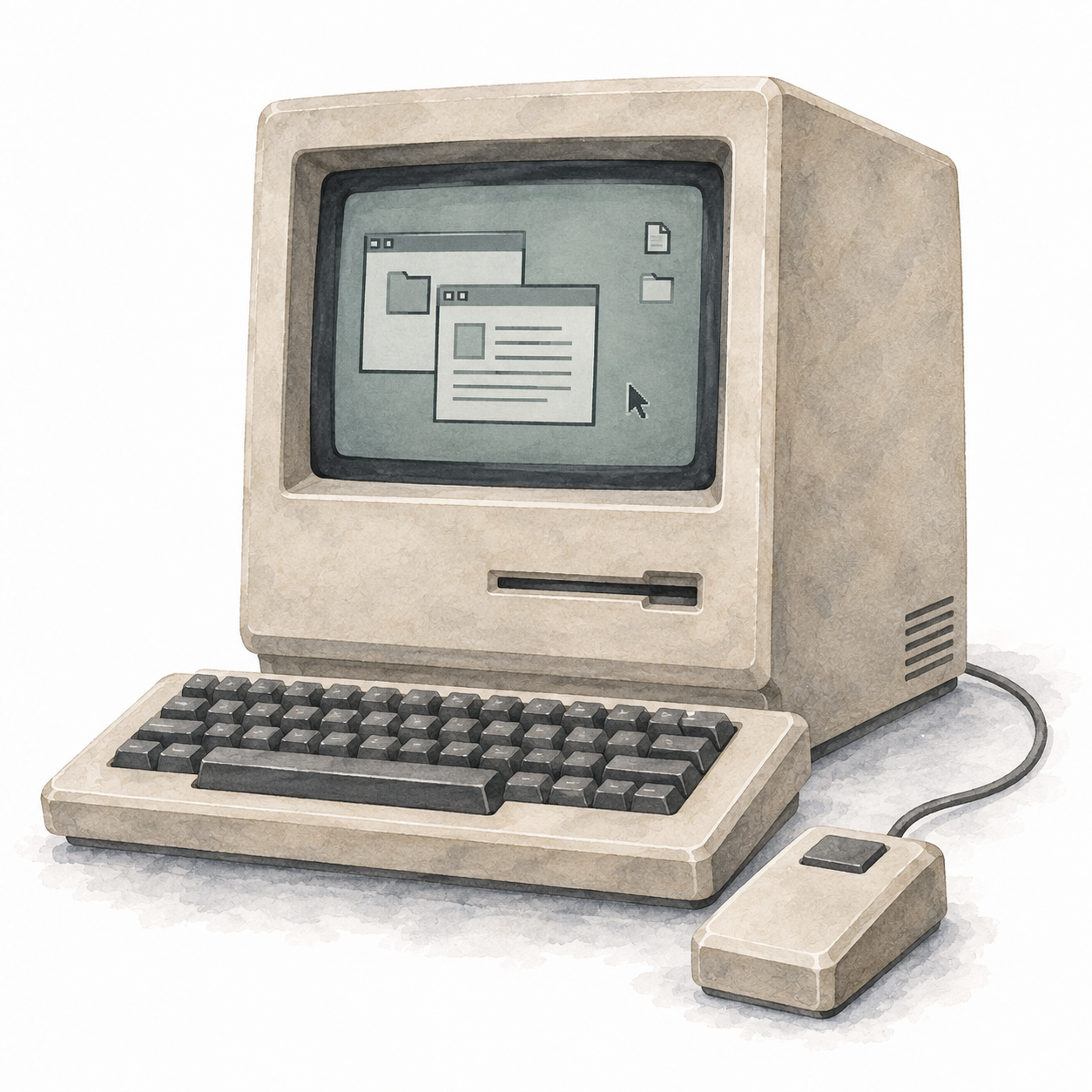
The mouse gave our hand a position on the screen. Move it across the desk, and a pointer moved with it. Click to select. Hold and drag to move.
Douglas Engelbart conceived the mouse, and Bill English built its first prototype in the 1960s.
Work at Xerox PARC helped bring the mouse and graphical interfaces together. Later, computers like the Macintosh brought these ideas to a wider audience.
Files became icons. Directories became folders. Programs appeared in windows.
Instead of remembering what to type, we could see things on the screen and choose what to do with them. A graphical user interface.
We were still giving the machine instructions. But now moving our hand, pointing, and clicking could express them.
To draw a line, I no longer had to type Forward 100. I could drag across the screen and watch the line follow.
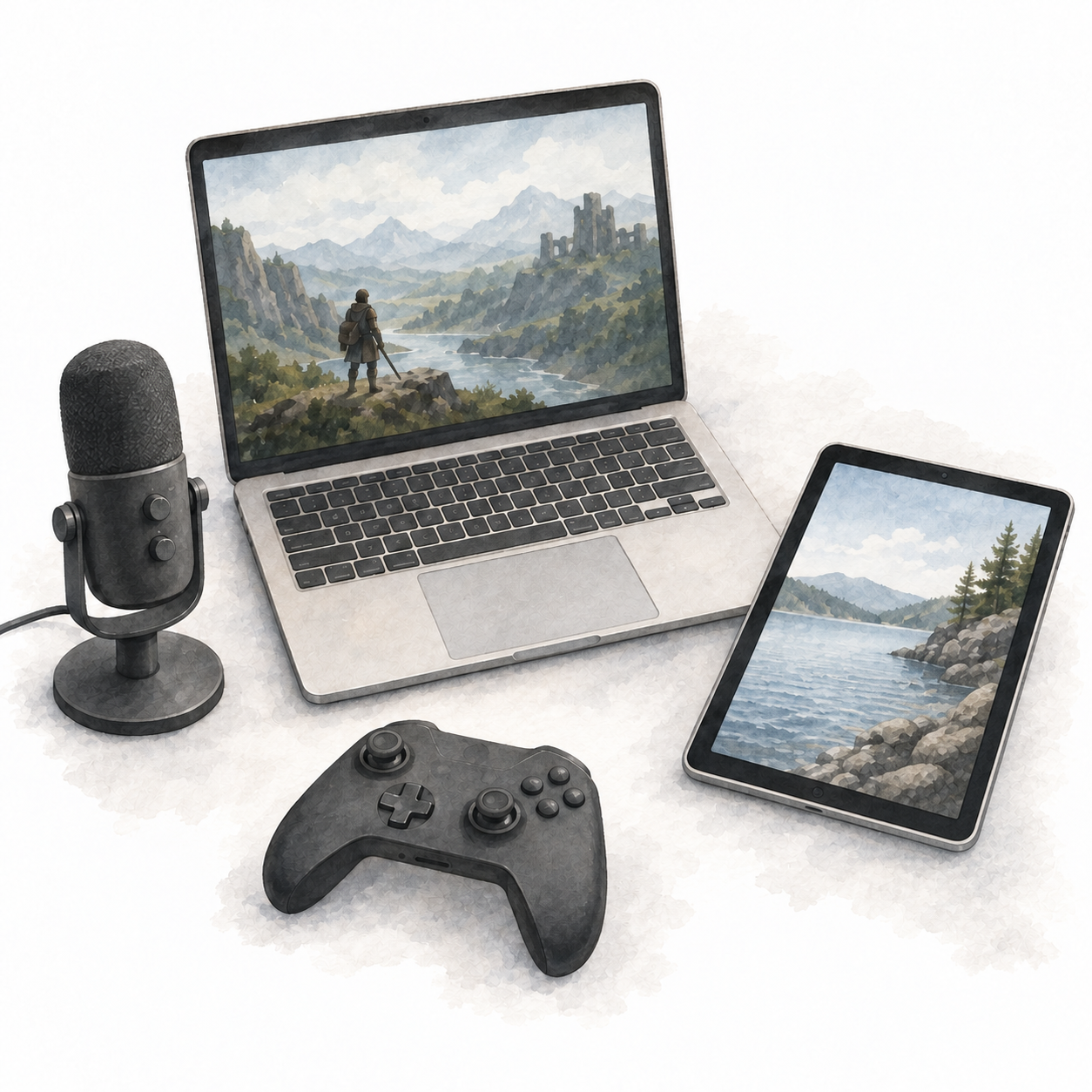
Today, we move between several ways of interacting with computers, often without thinking about it.
On a trackpad, moving a finger moves the pointer. Two fingers scroll.
On a touchscreen, we touch the thing itself. Tap a photograph to open it. Spread two fingers to make it bigger.
Multitouch lets the machine read more than one point of contact at a time.
We can use our voice too. Speak, and our words appear as text. Ask the computer to play music, and it plays. Sound becomes another way to give an instruction.
In games, a thumb on a stick can steer a car. A button can make a character jump.
The controller vibrates when we hit something. Our movements change what happens on the screen, and the machine responds through pictures, sound, and touch.
These ways of interacting have not simply replaced one another. We still type, point, and click. We also swipe, pinch, speak, and play.
The same computer, many ways to tell it what we want to do.
But through all these changes, something stayed the same. For most everyday tasks, we were choosing from actions someone had already defined for us.
A button had a function. A menu had a list of options.
Even in a game like GTA Vice City, where it feels like we can do anything, the controls have specific meanings. Move, jump, enter a car.
These can combine into a world of possibilities, but what each control can do is still defined by the game.
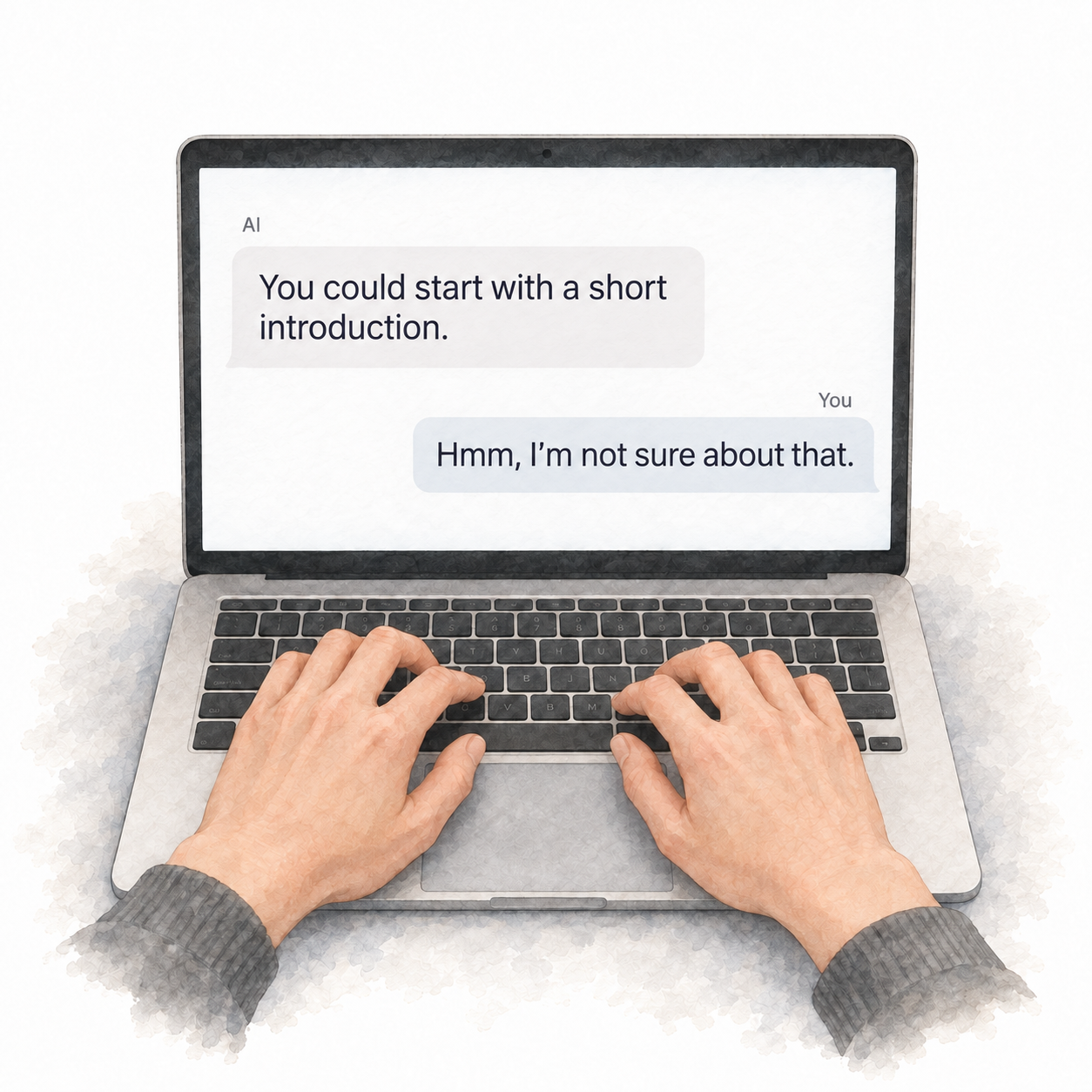
Now, when I use AI, I can say, “Hmm, I’m not sure about that.”
The fact that computers can interpret that doubt and respond appropriately feels new in my interactions with technology.
We could already type freely into documents, search boxes, and programs. Earlier systems could respond to language too.
What feels different with today’s AI is how much of what we say can become part of the instruction, without someone having to design a separate option for it.
“Keep this part.” “Make it less formal.” “Actually, I meant something else.”
I can explain what I want in my own words, even while I am still figuring it out.
This does not mean the computer can do anything, or that it will understand me correctly every time.
But I am no longer limited to the choices visible on the screen.
The interface can work with what I mean, not just which option I select. To me, that is profound.
This ability to interpret meaning opens the door to voice interaction in a new way.
Recognising words is one thing. Interpreting what I mean is another.
I can hesitate, correct myself, or leave something unsaid. The computer can use the context to infer an instruction, or ask me to clarify.
That is why voice becomes interesting to me. Speaking is already how many of us explain what we want.
I think a significant share of our interactions will move towards voice. Not all of them.
Typing is often better when we need precision, privacy, quiet, or time to think. Screens are useful when we need to compare, inspect, or make something visual.
But asking a question or talking through an idea does not always need a screen. We could speak to a computer, hear its response, and bring out a screen when there is something worth looking at.
That opens up room for computers without a screen at their centre. Devices we can hear and talk to, without looking down to find the right button.
They would still need to make it clear when they are listening, and ask before acting when getting it wrong matters.
We are building tools that can work out what we want, even when we have not told them exactly what to do.